

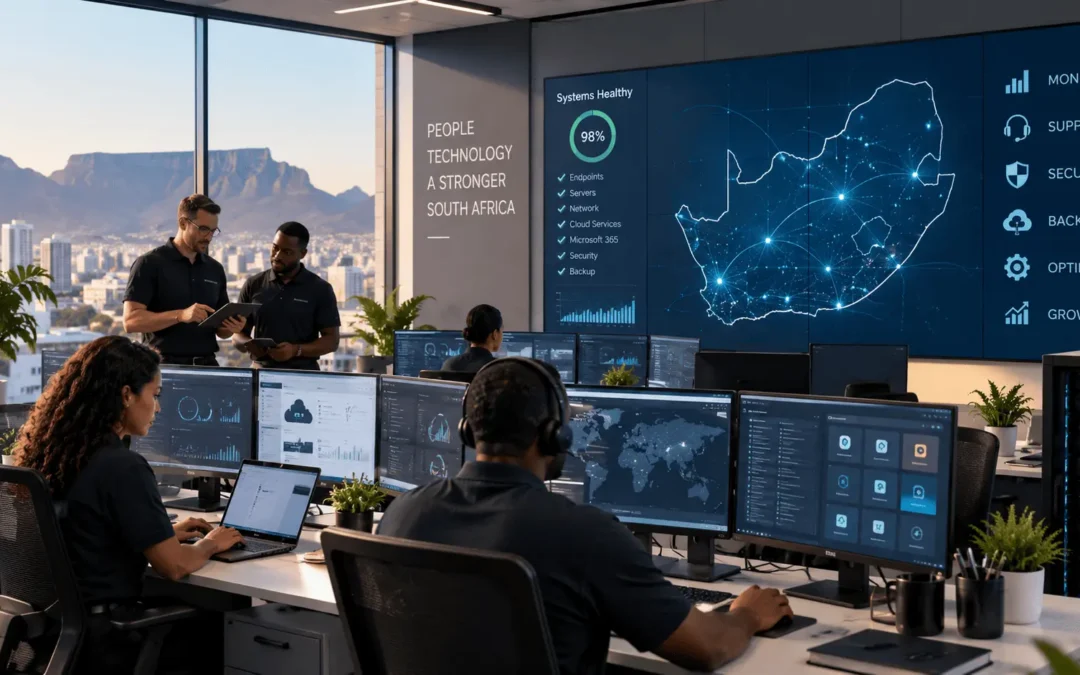
Managed IT Services in South Africa: A Complete Guide for Businesses in 2026
Technology is at the centre of almost every modern business. From Microsoft 365 and cloud platforms to laptops, networks, cybersecurity and business-critical applications, companies depend on their IT environment every day.
Managed IT services give businesses access to ongoing IT expertise, monitoring, maintenance and support without having to manage every aspect of their technology internally.
Explore Managed IT Services Speak to Introstat
What Are Managed IT Services?
Managed IT services involve outsourcing some or all of a company's ongoing technology management to a specialist managed service provider (MSP).
Instead of waiting for something to break before calling an IT technician, managed IT takes a more proactive approach. Systems can be monitored, maintained, updated and supported continuously to reduce problems before they become serious disruptions.
A managed IT relationship can cover everything from user support and network management to Microsoft 365, network services, hybrid cloud, hardware and cybersecurity.
What Does a Managed IT Service Provider Actually Do?
The exact services depend on the organisation and its technology environment. A good managed IT provider should not simply sell a standard package. The service should be designed around the company's users, infrastructure, security requirements and business objectives.
IT Support & Helpdesk
Day-to-day assistance for users experiencing problems with computers, applications, connectivity, email and other business technology.
Network Monitoring
Monitoring network infrastructure and connectivity to identify performance issues, failures and potential risks.
Microsoft 365
Support and management for Microsoft 365 users, email, collaboration tools and productivity applications.
Cybersecurity
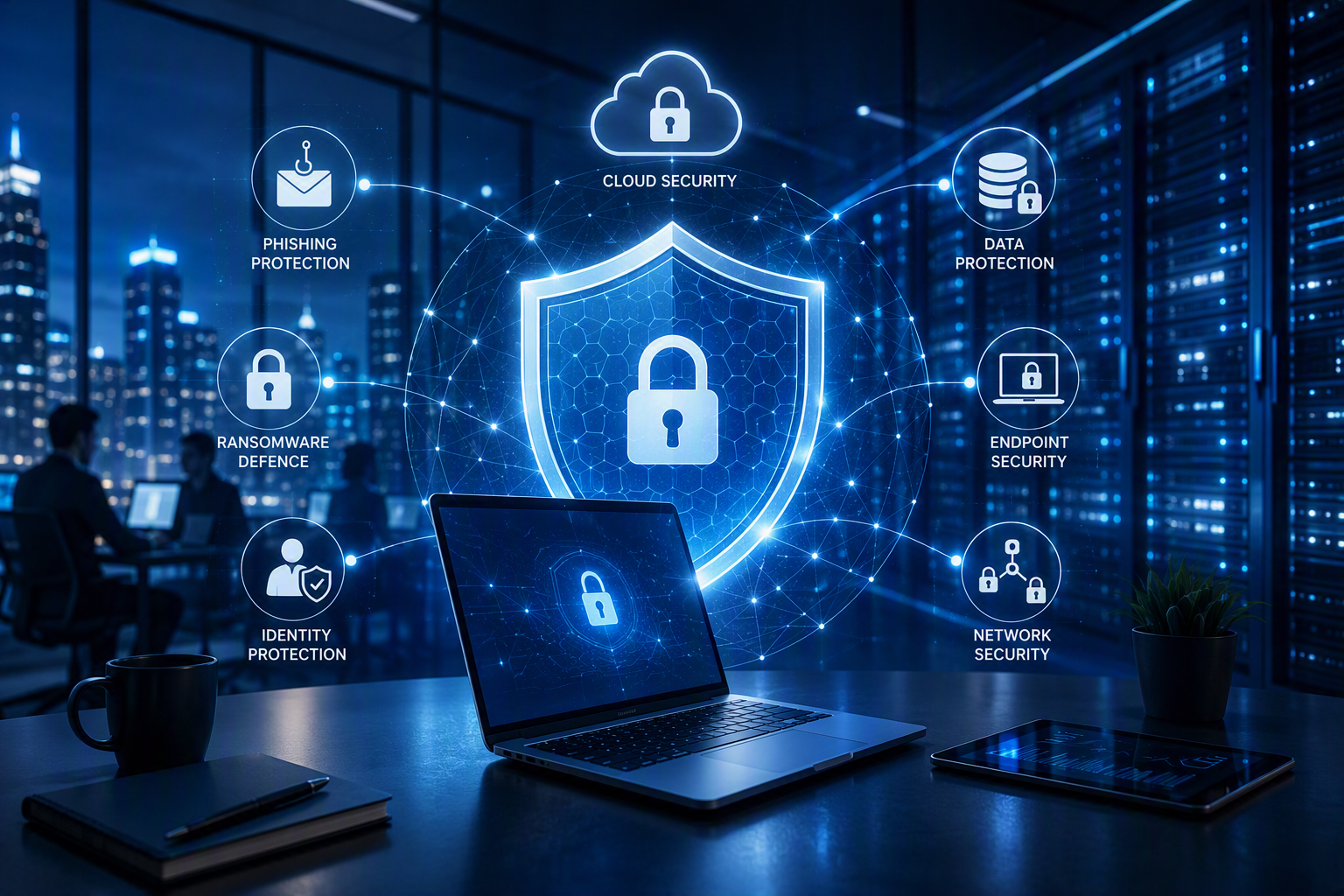
Security technologies, monitoring and processes designed to reduce the risk of ransomware, phishing, malware and unauthorised access.
Cloud & Backup
Managing cloud environments, backup strategies, data availability and business continuity requirements.
Hardware & Infrastructure
Procurement, deployment and lifecycle management for laptops, desktops, servers, networking equipment and other business technology.
Managed IT vs Internal IT
Managed IT does not necessarily mean replacing an internal IT team. Many organisations use a managed service provider alongside their existing IT employees.
| Internal IT | Managed IT |
|---|---|
| Technology knowledge concentrated in a small internal team | Access to a wider team of specialists and technical resources |
| Internal team handles routine support requests | Helpdesk can manage day-to-day user support |
| Monitoring may depend on available internal resources | Proactive monitoring can form part of the managed service |
| Specialist skills may need to be sourced separately | Provider can offer expertise across networks, cloud, security and infrastructure |
| IT strategy competes with daily support requirements | Routine operational work can be outsourced, freeing internal teams for strategic projects |
For many larger organisations, the best model is therefore not internal IT or managed IT. It is a combination of both.
IT Support and Maintenance
Reliable IT support is one of the foundations of managed IT. Employees should have a clear place to go when technology prevents them from doing their work.
Managed support can cover laptops and desktops, software problems, user accounts, email, connectivity, printers, business applications and general technical troubleshooting.
Maintenance is equally important. Keeping systems patched, correctly configured and operating efficiently helps reduce unexpected downtime and security exposure.
Helpdesk and Remote IT Support
Many everyday IT problems can be resolved remotely. A managed helpdesk gives users access to technical support without waiting for an engineer to travel to their location.
- Password and user account assistance
- Microsoft 365 and email troubleshooting
- Application problems
- Device configuration
- Connectivity troubleshooting
- Remote diagnostics
- Escalation to specialist technical teams where required
Network Monitoring and Management
A business network connects employees to the systems, cloud services and information they need. Poor network performance can therefore affect the productivity of an entire organisation.
Proactive network management helps identify unusual activity, capacity problems, connectivity failures and infrastructure issues before they develop into larger outages.
Learn more about Introstat's Network Services for business environments.
Microsoft 365 Management
Microsoft 365 has become central to the way many South African organisations communicate and collaborate. However, licensing the platform is only one part of managing it effectively.
User accounts, permissions, email, security settings, collaboration tools and licences all require ongoing administration.
Introstat provides Microsoft 365 for Business solutions and can also help organisations explore Microsoft Copilot for Business as AI becomes increasingly integrated into workplace productivity.
Cybersecurity and SOC Monitoring
IT management and cybersecurity can no longer be treated as completely separate disciplines. Every endpoint, user account, server, cloud application and network connection represents part of the organisation's security environment.
A managed approach can bring together endpoint protection, email security, network security, patch management, identity controls, monitoring, backup and incident response.
Introstat provides cybersecurity services to businesses across South Africa, including Johannesburg, Pretoria, Cape Town, Durban, Mbombela, Polokwane and Gqeberha.
Hardware Procurement and IT Infrastructure
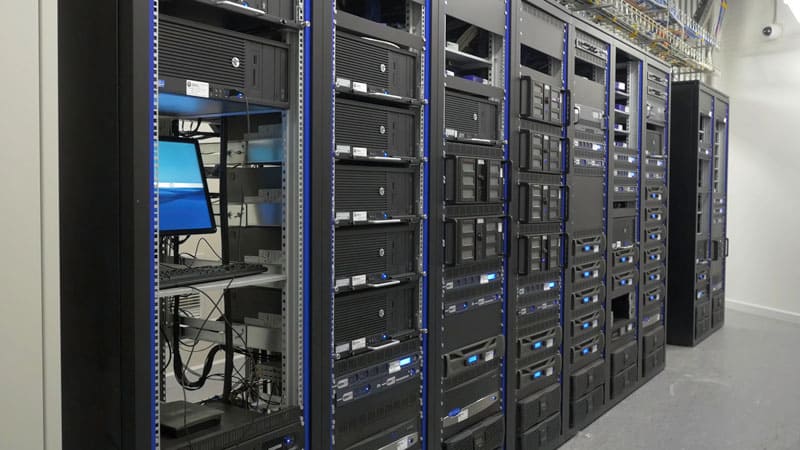
Managed IT is not only about software and support. Businesses still depend on physical infrastructure including laptops, desktops, servers, networking equipment, printers and accessories.
A technology partner can help standardise equipment, select appropriate specifications, manage procurement and plan device replacement cycles.
Explore Introstat's IT Hardware, Hardware & Services and the range of technology Brands available to businesses.
Backup, Cloud and Business Continuity
A backup is only valuable if the data can actually be recovered when the business needs it. Managed IT should therefore consider backup as part of a broader business continuity strategy.
This includes understanding where critical information is stored, how frequently it needs to be protected, how long the organisation can tolerate downtime and how systems would be restored after a serious incident.
Businesses combining on-premises infrastructure with cloud services can also explore Introstat's Hybrid Cloud Solutions.
Managing the Wider Business Technology Environment
Modern IT environments extend beyond laptops and servers. Businesses rely on software platforms, document systems, collaboration tools and digital workflows to operate efficiently.
Introstat's wider technology offering includes Business Software Solutions as well as Digital Electronic Content Management (D-ECM) .
Bringing these technologies into a coordinated IT strategy helps avoid fragmented systems, unnecessary duplication and technology decisions that do not support the wider business.
How Much Do Managed IT Services Cost in South Africa?
There is no single managed IT price that suits every organisation. The cost depends on the size and complexity of the environment and the level of support required.
Factors that can influence managed IT pricing include:
- Number of employees and users
- Number of laptops, desktops and other endpoints
- Servers and network infrastructure
- Number of offices or branches
- Microsoft 365 requirements
- Cloud infrastructure
- Cybersecurity requirements
- Backup and disaster recovery requirements
- Support hours
- Required service levels and response times
What Should a Managed IT SLA Include?
The Service Level Agreement (SLA) defines what the managed IT provider is responsible for and establishes clear expectations between the provider and the customer.
- Services included within the agreement
- Support availability
- Incident priority levels
- Response and escalation procedures
- Monitoring responsibilities
- Maintenance responsibilities
- Reporting requirements
- Security responsibilities
- Backup responsibilities where applicable
- Customer and provider responsibilities
How to Choose a Managed IT Provider
Choosing an MSP is an important business decision because the provider may have responsibility for systems that employees rely on every day.
Technical Capability
Look for expertise across the technologies your organisation actually uses, rather than relying on a single area of specialisation.
Security Expertise
The provider should understand cybersecurity, identity, endpoint protection, networking, backup and modern cloud environments.
Clear SLAs
Responsibilities, escalation paths and support expectations should be clearly documented.
Scalability
Your IT partner should be capable of supporting additional users, locations and technologies as your organisation grows.
Local Support
National businesses benefit from a provider capable of supporting users and infrastructure across multiple South African locations.
Business Understanding
Technology decisions should support business objectives rather than technology being implemented simply for its own sake.
Managed IT Services Across South Africa
Businesses with multiple locations need consistency across their IT environment. Introstat provides technology services to organisations across South Africa.
Managed IT Services Johannesburg
Support for businesses across Johannesburg and Gauteng, from everyday user support to infrastructure, cloud and cybersecurity.
Managed IT Johannesburg →Managed IT Services Cape Town
Managed technology solutions for organisations operating in Cape Town and the wider Western Cape.
Managed IT Cape Town →Managed IT Services Durban
IT support and managed technology services for organisations in Durban and KwaZulu-Natal.
Managed IT Durban →Managed IT Services Polokwane
Business IT support and technology solutions for organisations operating in Polokwane and Limpopo.
Managed IT Polokwane →Visit the Introstat Branches page to find your nearest office.
Why Businesses Choose Introstat
Managed IT should give a business more than somewhere to log a support ticket. The goal is to create a technology environment that is stable, secure, manageable and capable of supporting the organisation as it grows.
Introstat brings together managed IT, hardware, networking, Microsoft solutions, cybersecurity, cloud technologies, document management and business software within a broader technology offering.
This means businesses can work with a technology partner that understands how different parts of the IT environment connect rather than managing each technology in isolation.
Learn more about Introstat Managed IT Services or read more About Introstat.
Frequently Asked Questions About Managed IT Services
Below are answers to common questions South African businesses ask when considering managed IT support.
What are managed IT services?
Managed IT services involve outsourcing ongoing technology support, maintenance and management to a specialist provider. Services can include helpdesk support, monitoring, Microsoft 365, networking, cybersecurity, cloud services, backups and infrastructure management.
What does a managed IT service provider do?
A managed service provider helps operate and support a company's technology environment. Depending on the agreement, this can include user support, monitoring, maintenance, cybersecurity, Microsoft 365 administration, cloud management, networking and IT strategy.
What is included in managed IT support?
The exact scope varies by provider and SLA. Common services include helpdesk support, remote troubleshooting, device management, network monitoring, patching, Microsoft 365 support, security, backup monitoring and infrastructure management.
What is the difference between managed IT and traditional IT support?
Traditional support often focuses on fixing problems after they occur. Managed IT generally adds proactive monitoring, maintenance and ongoing management designed to prevent issues and improve the overall technology environment.
Is managed IT suitable for small businesses?
Yes. Managed IT can be particularly useful for smaller organisations that need professional IT expertise but do not require a large full-time internal technology team.
How much do managed IT services cost in South Africa?
Pricing depends on factors such as the number of users and devices, infrastructure, locations, support hours, security requirements, cloud services and the SLA. A proper assessment is usually required before an accurate managed IT proposal can be prepared.
Can a managed IT provider support Microsoft 365?
Yes. Microsoft 365 management can include user administration, licensing, email, collaboration tools, permissions, security settings and general user support.
Do managed IT services include cybersecurity?
Cybersecurity is commonly integrated into managed IT because endpoints, networks, email, cloud platforms and user identities all need ongoing protection. The exact security services included depend on the provider and agreement.
What is 24/7 IT monitoring?
24/7 monitoring uses technology and operational processes to watch critical systems for failures, unusual activity and potential security threats outside normal business hours.
Can managed IT include backup and disaster recovery?
Yes. Backup and disaster recovery can form part of a managed IT strategy, helping ensure critical data is protected and that the organisation has a plan for restoring systems following an outage, hardware failure or cyber incident.
Can I outsource IT support instead of hiring an internal IT team?
Yes. Some businesses outsource most IT functions, while others use a managed provider to supplement an existing internal team. The right approach depends on the organisation's size, skills, infrastructure and requirements.
What should I look for in a managed IT service provider?
Look for technical capability, cybersecurity expertise, clear SLAs, reliable support, scalability, experience with your technology environment and an ability to align technology decisions with business objectives.
Does Introstat provide managed IT services in Johannesburg?
Yes. Introstat provides managed IT services in Johannesburg and supports businesses across Gauteng.
Does Introstat provide managed IT services in Cape Town?
Yes. Businesses can learn more about Introstat's Managed IT Services in Cape Town and the Western Cape.
Does Introstat provide managed IT services in Durban?
Yes. Introstat provides Managed IT Services in Durban for organisations in KwaZulu-Natal.
How do I get started with Introstat Managed IT Services?
Start by discussing your current environment, challenges and requirements with Introstat. The team can then help identify the services and support model appropriate for your organisation. Contact Introstat to start the conversation.
Is Your IT Environment Helping Your Business Move Forward?
Technology should enable productivity, security and growth — not create unnecessary complexity. A managed IT approach can give your organisation access to the support, monitoring and expertise needed to keep your technology working for your business.
Related Services:
Managed IT Services
|
Microsoft 365
|
Network Services
|
Hybrid Cloud
|
IT Hardware
|
Our Branches
