

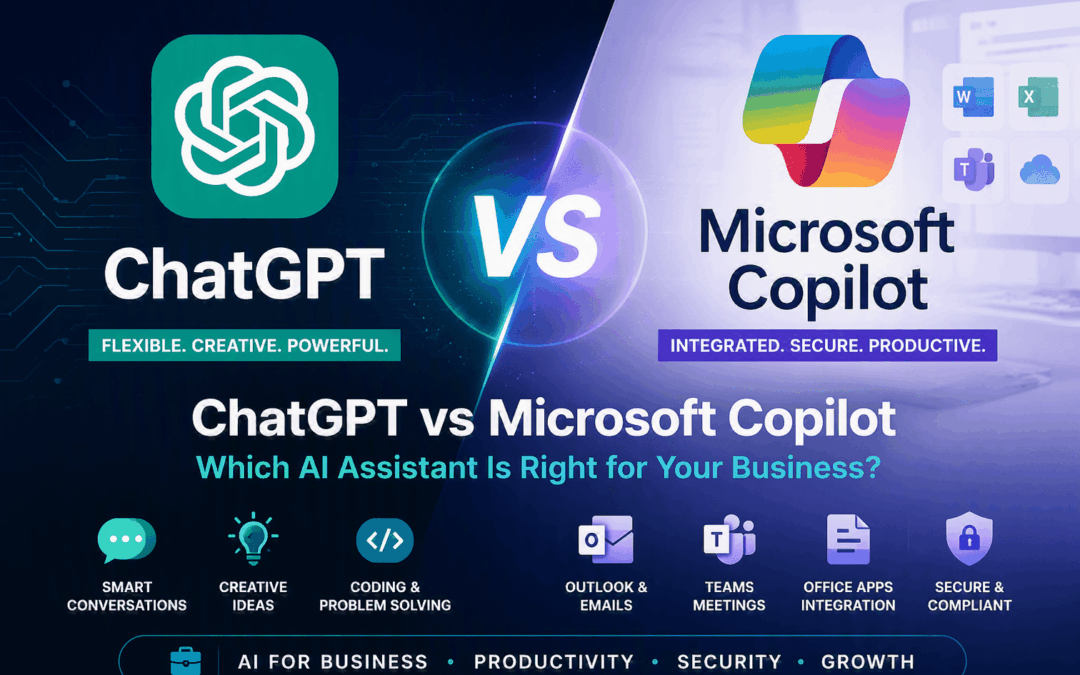
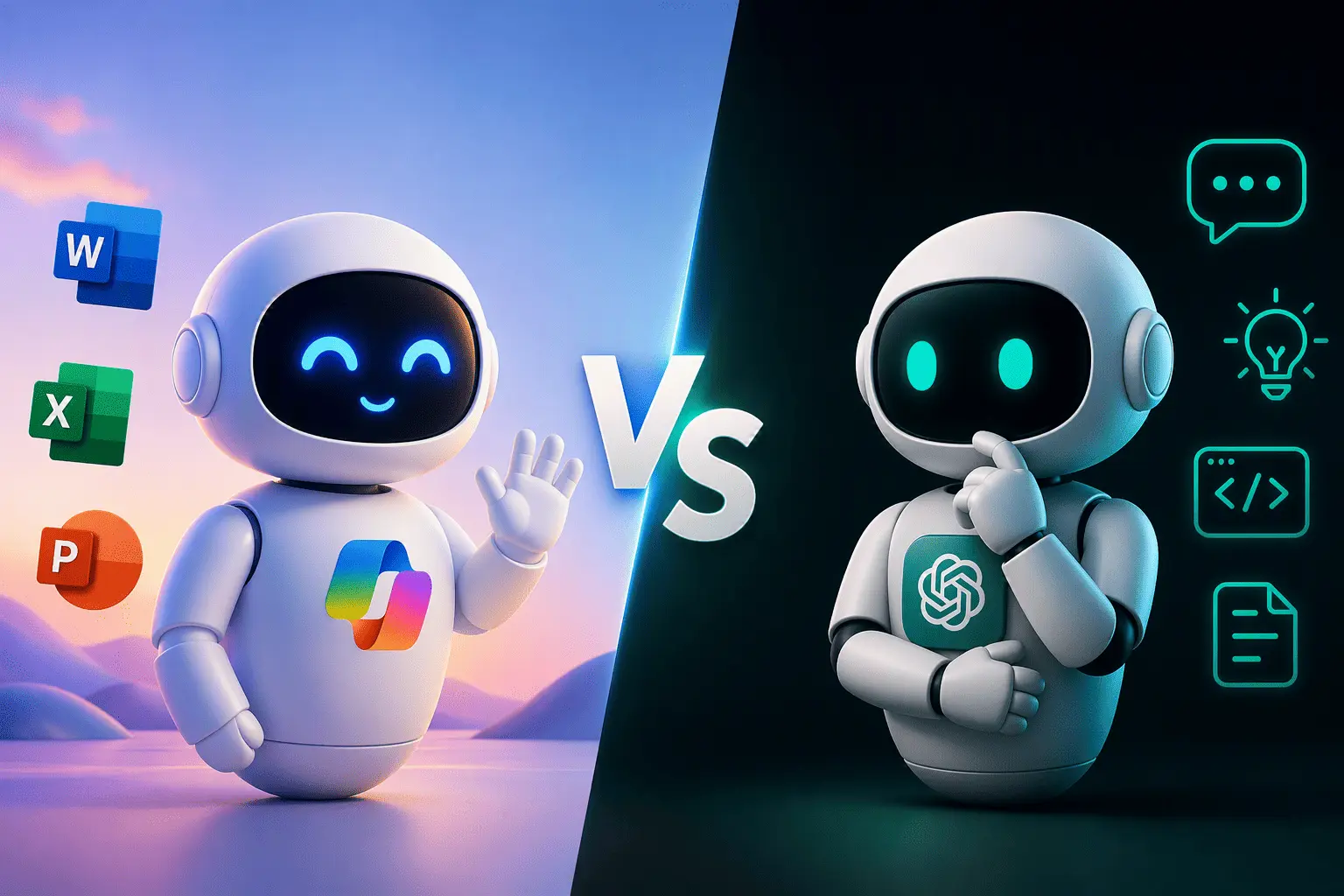
ChatGPT vs Microsoft Copilot
Businesses are moving quickly towards AI-powered productivity, but choosing the right platform is not always simple. ChatGPT and Microsoft Copilot are both powerful tools, but they are built for different types of work.
AI is Changing the Way Businesses Work
From writing emails and summarising meetings to analysing spreadsheets and creating business documents, AI assistants are becoming part of everyday work. The real question is no longer whether your business should use AI, but which AI tool is the right fit for your organisation.
ChatGPT is known for flexibility, creativity and problem-solving. Microsoft Copilot is built directly into Microsoft 365 for Business, helping users work inside Outlook, Teams, Word, Excel, PowerPoint, OneDrive and SharePoint.
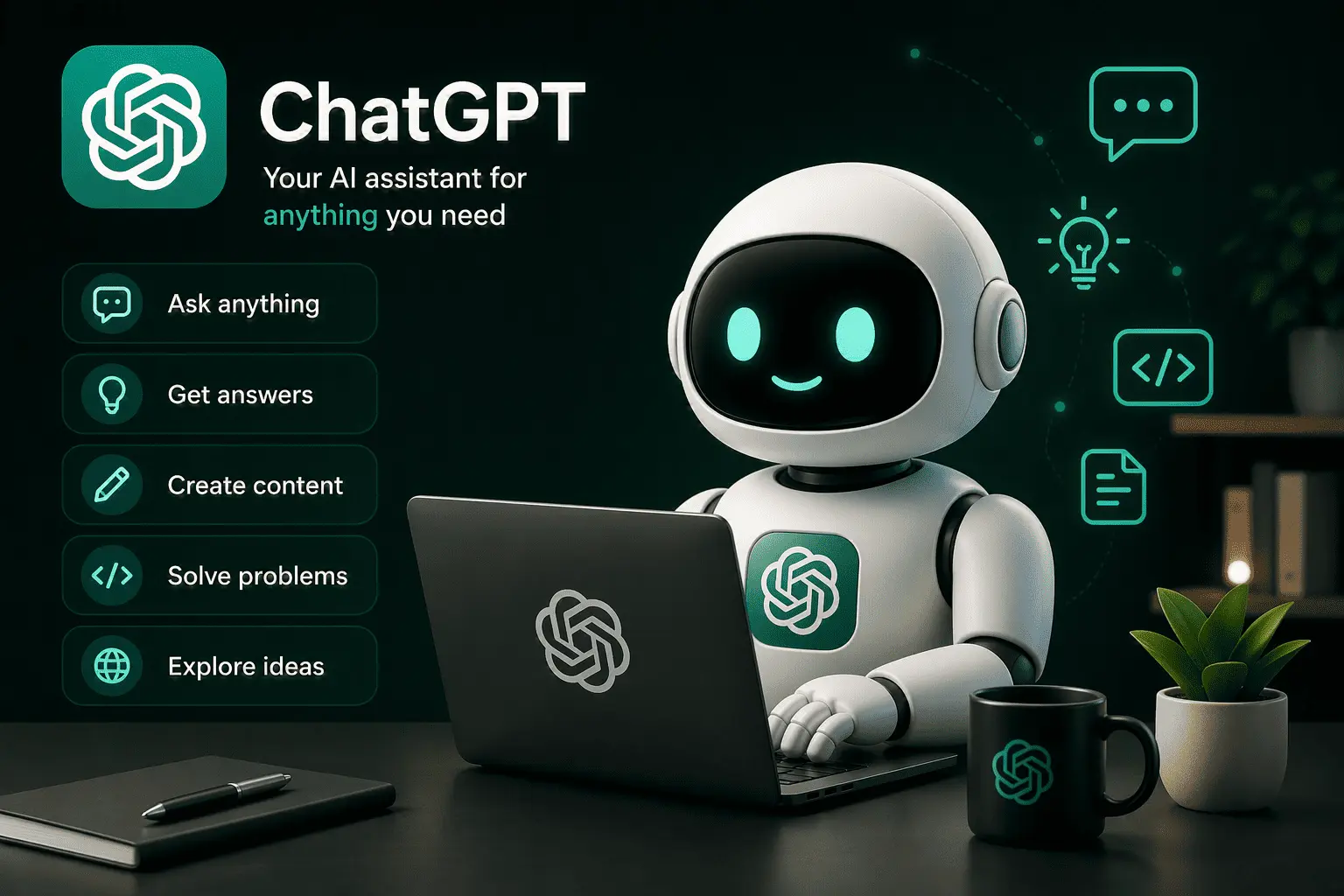
What is ChatGPT?
ChatGPT is a conversational AI assistant developed by OpenAI. It can help users write content, brainstorm ideas, explain complex topics, generate code, summarise information and solve problems across many different industries and use cases.
It is especially useful when you need a flexible AI tool that is not locked into one software ecosystem. Users can ask questions, upload information, generate ideas, draft content and work through tasks in a natural conversational way.

Key Benefits of ChatGPT

What is Microsoft Copilot?
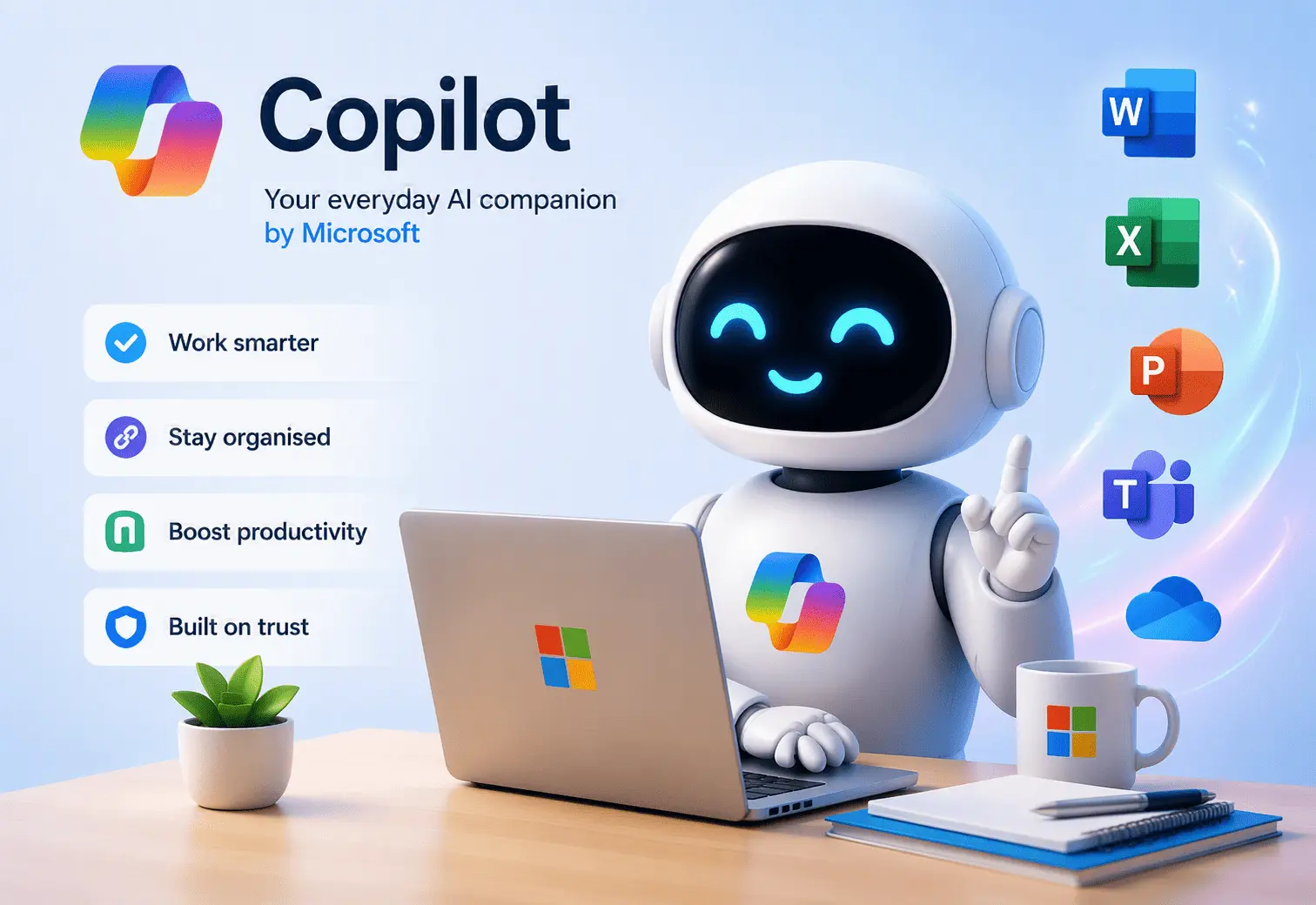
Microsoft Copilot is Microsoft’s AI assistant built into the Microsoft 365 environment. It works across tools such as Word, Excel, Outlook, Teams, PowerPoint, OneDrive and SharePoint to help employees work faster and more efficiently.
For businesses already using Microsoft 365, Copilot is powerful because it can work closer to where your company data, meetings, emails and documents already live.
Learn more about Microsoft Copilot for Business and how it can improve productivity, collaboration and secure AI adoption.
Copilot is Best for Microsoft 365 Users
- Summarise Teams meetings and action items
- Draft and improve emails in Outlook
- Create documents in Word
- Analyse spreadsheets in Excel
- Build presentations in PowerPoint
- Use information from OneDrive and SharePoint
Key Benefits of Microsoft Copilot
ChatGPT vs Microsoft Copilot at a Glance
The best choice depends on how your business works, where your data lives and what you want AI to help you achieve.
| Feature | ChatGPT | Microsoft Copilot |
|---|---|---|
| Best For | Creative work, research, coding and flexible tasks | Microsoft 365 productivity and business workflows |
| Microsoft 365 Integration | Limited unless connected through external tools | Built into Outlook, Teams, Word, Excel and PowerPoint |
| Teams Meetings | Not natively built into Teams | Can assist with meeting summaries and action items |
| Company Documents | Usually requires uploading or connecting data | Can work with permitted Microsoft 365 content |
| Security | Strong options on business and enterprise plans | Works with Microsoft 365 permissions and compliance tools |
| Content Creation | Excellent for long-form and creative content | Excellent for business documents and Office workflows |
| Coding | Very strong for code explanation and debugging | Best paired with GitHub Copilot for development work |
| Best Business Fit | Teams needing flexible AI across many tools | Businesses already using Microsoft 365 |
Where ChatGPT Performs Best
ChatGPT is often the better option when users need a flexible assistant for writing, learning, brainstorming, planning and technical problem-solving. It is not limited to one business platform, which makes it useful for individuals and teams working across different systems.
To get the best performance from AI tools, businesses should also consider modern IT hardware, including business laptops, desktops and workstations.
ChatGPT Strengths
- Writing blogs, proposals and social media content
- Brainstorming marketing ideas and campaigns
- Explaining technical concepts in simple language
- Helping with coding, debugging and scripts
- Creating templates, checklists and workflows
- Working across different platforms and industries
ChatGPT Limitations
- It may not automatically know your internal company data
- Users often need to copy, paste or upload information
- Business security depends on the plan and configuration
- It is not natively embedded into Microsoft 365 apps
Where Microsoft Copilot Performs Best
Microsoft Copilot is especially valuable for businesses that already use Microsoft 365. It helps employees work inside their existing tools instead of switching between different apps.
Microsoft Copilot Strengths
- Drafting and improving Outlook emails
- Summarising Teams meetings and conversations
- Creating Word documents and PowerPoint presentations
- Analysing Excel spreadsheets and business data
- Finding relevant information across Microsoft 365
- Supporting permissions, compliance and business security
Microsoft Copilot Limitations
- Best value is achieved inside the Microsoft ecosystem
- Licensing can be more complex for some businesses
- Requires proper Microsoft 365 setup and governance
- Users may need training to get the best results
Which AI Assistant Should Your Business Choose?
Best AI Tool by Business Role
| Business Role | Recommended Tool | Reason |
|---|---|---|
| Executives | Microsoft Copilot | Meeting summaries, email support, document review and business context. |
| Marketing Teams | ChatGPT | Content ideas, blogs, campaigns, captions and creative writing. |
| Finance Teams | Microsoft Copilot | Excel analysis, reporting, summaries and Microsoft 365 data access. |
| Developers | ChatGPT | Debugging, code explanation, logic planning and technical support. |
| Sales Teams | Microsoft Copilot | CRM notes, email drafting, Teams follow-ups and proposal support. |
| IT Administrators | Both | Copilot for Microsoft 365 administration and ChatGPT for troubleshooting and documentation. |
Security and Business Data
Security is one of the biggest differences between using AI casually and using AI properly inside a business. Organisations need to think about permissions, sensitive information, user access, compliance and how employees interact with company data.
Microsoft Copilot is particularly attractive to Microsoft 365 customers because it works with existing Microsoft identity, permissions and compliance tools. This means users should only receive information they are already allowed to access.
ChatGPT can also be used safely in business environments, especially with the right business or enterprise plan, but companies must still define clear policies for what staff may and may not upload into AI tools.
Frequently Asked Questions
Is Microsoft Copilot the same as ChatGPT?
No. They may use similar AI model technology, but they are different products. ChatGPT is a flexible conversational AI assistant, while Microsoft Copilot is designed around Microsoft 365 productivity and business workflows.
Which is better for business?
Microsoft Copilot is usually better for businesses already using Microsoft 365. ChatGPT is often better for flexible tasks such as writing, research, brainstorming and coding.
Can a business use both ChatGPT and Microsoft Copilot?
Yes. Many businesses may benefit from using both. ChatGPT can assist with creative and general tasks, while Microsoft Copilot can support productivity inside Microsoft 365.
Is Microsoft Copilot good for Teams meetings?
Yes. Microsoft Copilot can help users summarise Teams meetings, identify action items and catch up on discussions, depending on licensing and configuration.
Does Microsoft Copilot work with SharePoint and OneDrive?
Yes. Microsoft Copilot can work with content in Microsoft 365, including OneDrive and SharePoint, based on the permissions already assigned to the user.
Does my business need help setting up Microsoft Copilot?
Yes, it is recommended. A proper setup helps ensure licensing, security, permissions, data access and user training are handled correctly.
Final Verdict: ChatGPT or Microsoft Copilot?
ChatGPT is a powerful choice for flexible AI tasks, creative work, coding, content creation and research. Microsoft Copilot is the stronger choice for businesses that already use Microsoft 365 and want AI built into their daily workflow.
For many organisations, the best approach may not be choosing one over the other. Instead, businesses should define where each AI tool fits, create safe usage policies, train staff properly and make sure company data is protected.
Related Services
Microsoft 365 for Business
Microsoft Copilot for Business
Business IT Hardware
Contact Introstat
Need Help Choosing or Deploying AI in Your Business?
Introstat can help your organisation assess Microsoft 365 readiness, deploy Microsoft Copilot, configure Copilot Studio, improve security, and train your team to use AI effectively.
